Plugins
Introduction
The plugin manager is where you can:
- See an overview of all the plugins on your app version.
- Add or remove plugins.
- Access plugins for entering specific config parameters within a plugin.
Launch
Select Plugin Configuration from Zapp Build Ops for any app.

Plugin Overview
This screen will launch.
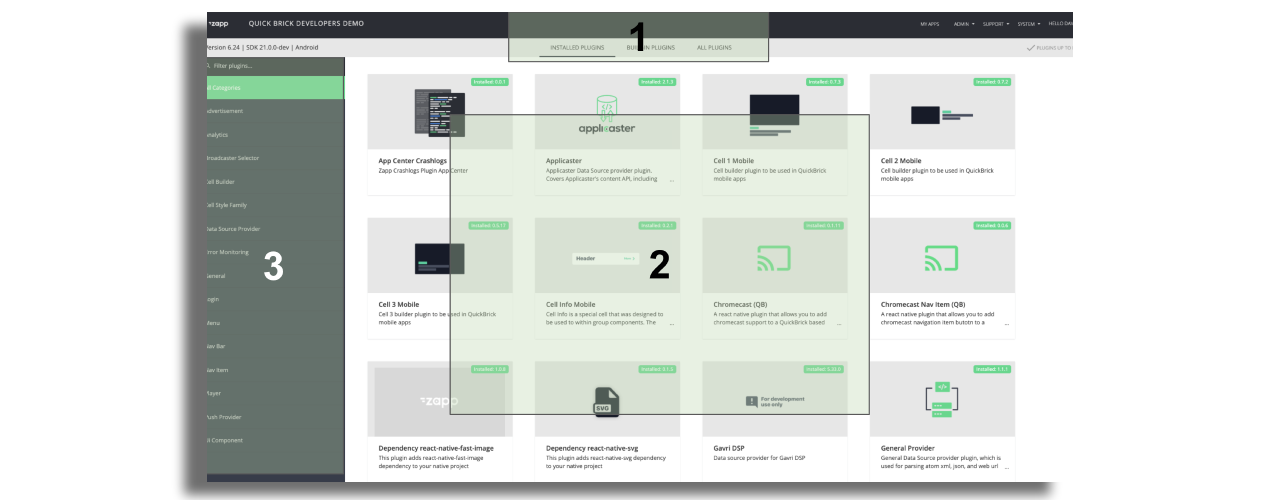
Plugin tab
Select from.
- Installed plugins: The plugin overview will display all installed plugins for this specific app
- Available plugins: The plugin overview will display all plugins available to add to an app
Plugin overview
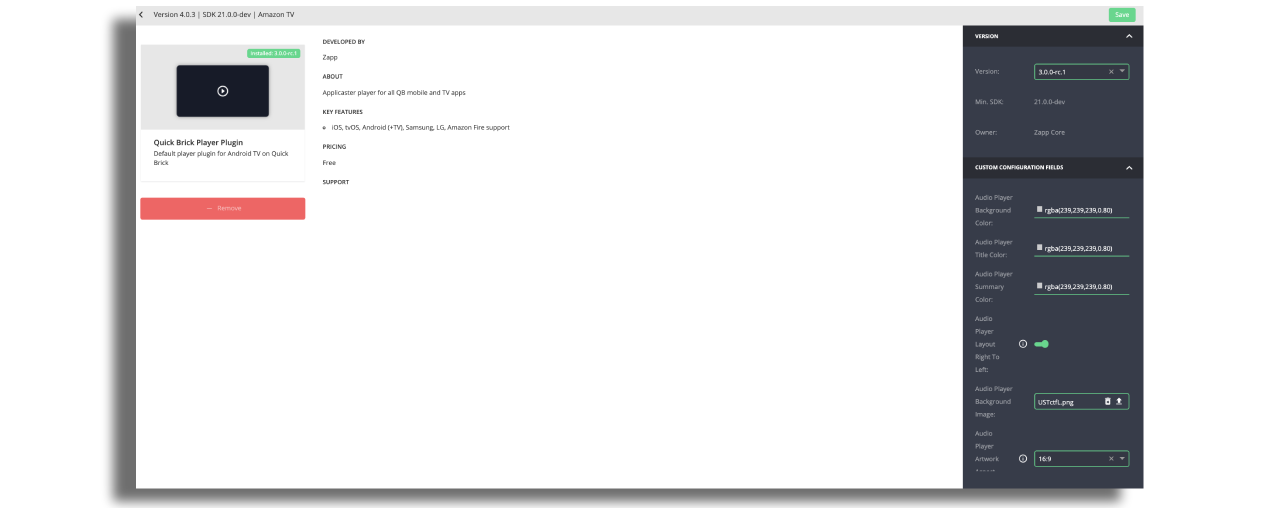
Select a plugin to see further information and configurable parameters.
Filter and Search
Narrow down the plugin overview by type or search by name.
Pre-installed plugins
When an app is first created a number of plugins are automatically added to the build and do not need to be manually added in the Installed Plugins tab.