Onetrust
The OneTrust plugin allows you to integrate OneTrust’s consent management system into your mobile app. By linking your app to the OneTrust dashboard and SDK, you can manage user consent flows in line with privacy regulations.
Prerequisites
-
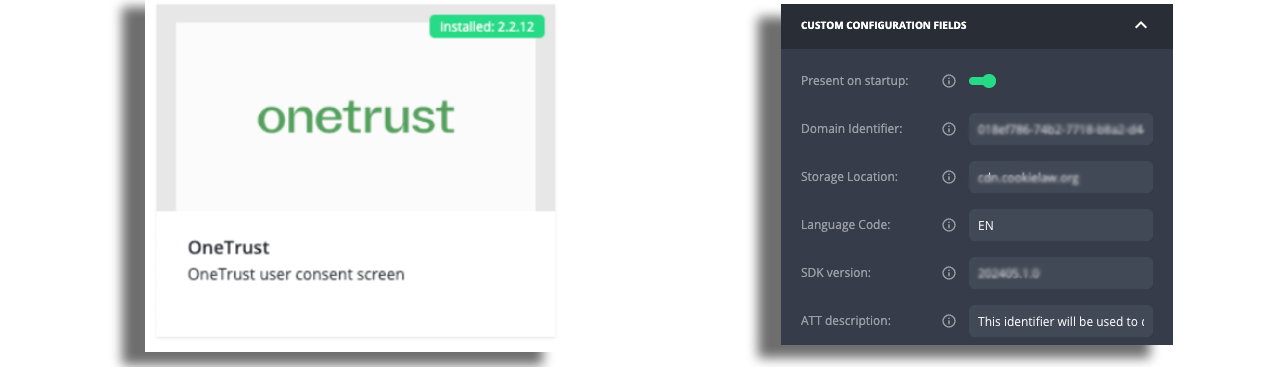
SDK version - Configure your consent experience in the OneTrust dashboard. Each experience is tied to a specific SDK version. You need to publish the SDK separately for each platform in the OneTrust dashboard, as each platform requires its own configuration and identifier.
-
Domain Identifier - A unique ID (often called appGuid) that links your app to the correct OneTrust configuration.
-
SDK JS bundle - The hosted JavaScript bundle (or identifier) that loads your published consent experience.
-
Language code - The UI language for the consent screen, using standard codes like "en" or "fr".
-
Storage location - Defines where consent preferences are saved (e.g. "localStorage" or "memory").
-
Mobile app identifier (if applicable) - Required if your OneTrust setup uses separate identifiers per platform or environment.
Configuration
Add the OneTrust plugin to your app, configure the required details, and build the app.
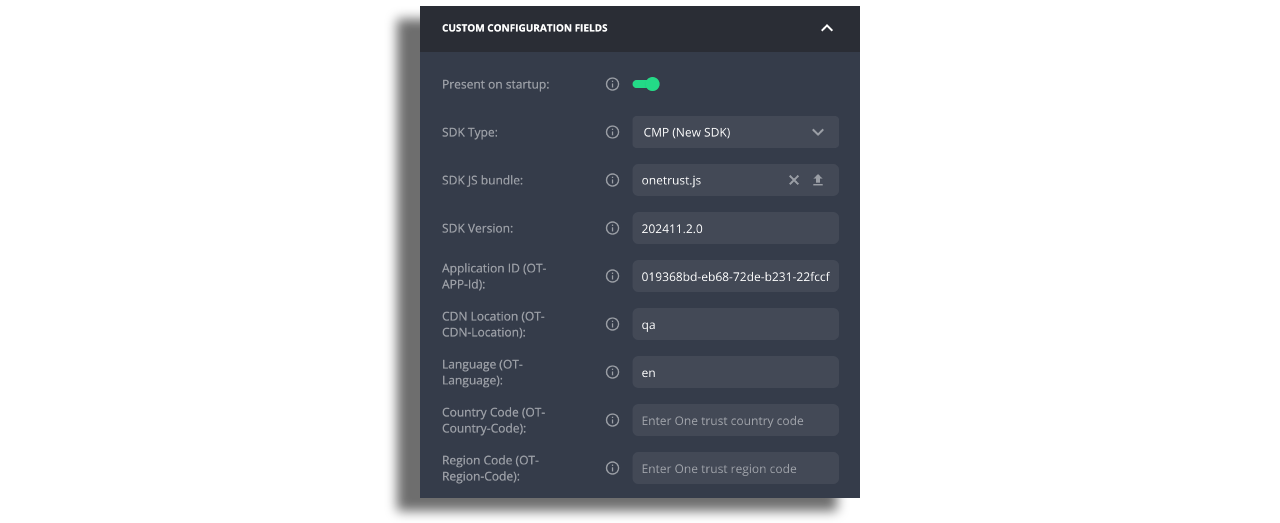
Configuration for new CMP SDK on WebTVs
- Download SDK zip file from the dashboard and unpack it
- Select SDK Type to "CMP (New SDK)"
- Upload onetrust.js from the zip file
- Take values from
app.config.jsfile and fill the plugin configuration.
As of 2026, the SDK version displayed in the OneTrust Dashboard may not match the actual configured version. For example, the dashboard may show 202604.2.0, while the version in app.config.js is 202411.2.0. Always use the value from app.config.js.
Plugin Behavior
If you only want the consent popup to appear once, no additional configuration is required.
If you want to include extra consent options or a custom screen flow, you'll need to update the experience in OneTrust, use the same app identifier, and reference the updated SDK version in your plugin.
Update the plugin and rebuild the app each time the SDK version changes.